Travian shows you the cost of the next level of a building and nothing beyond it. If you want to know what it takes to bring your Warehouse from 10 to 20, you either look up a table on some wiki or add the levels up yourself one at a time.
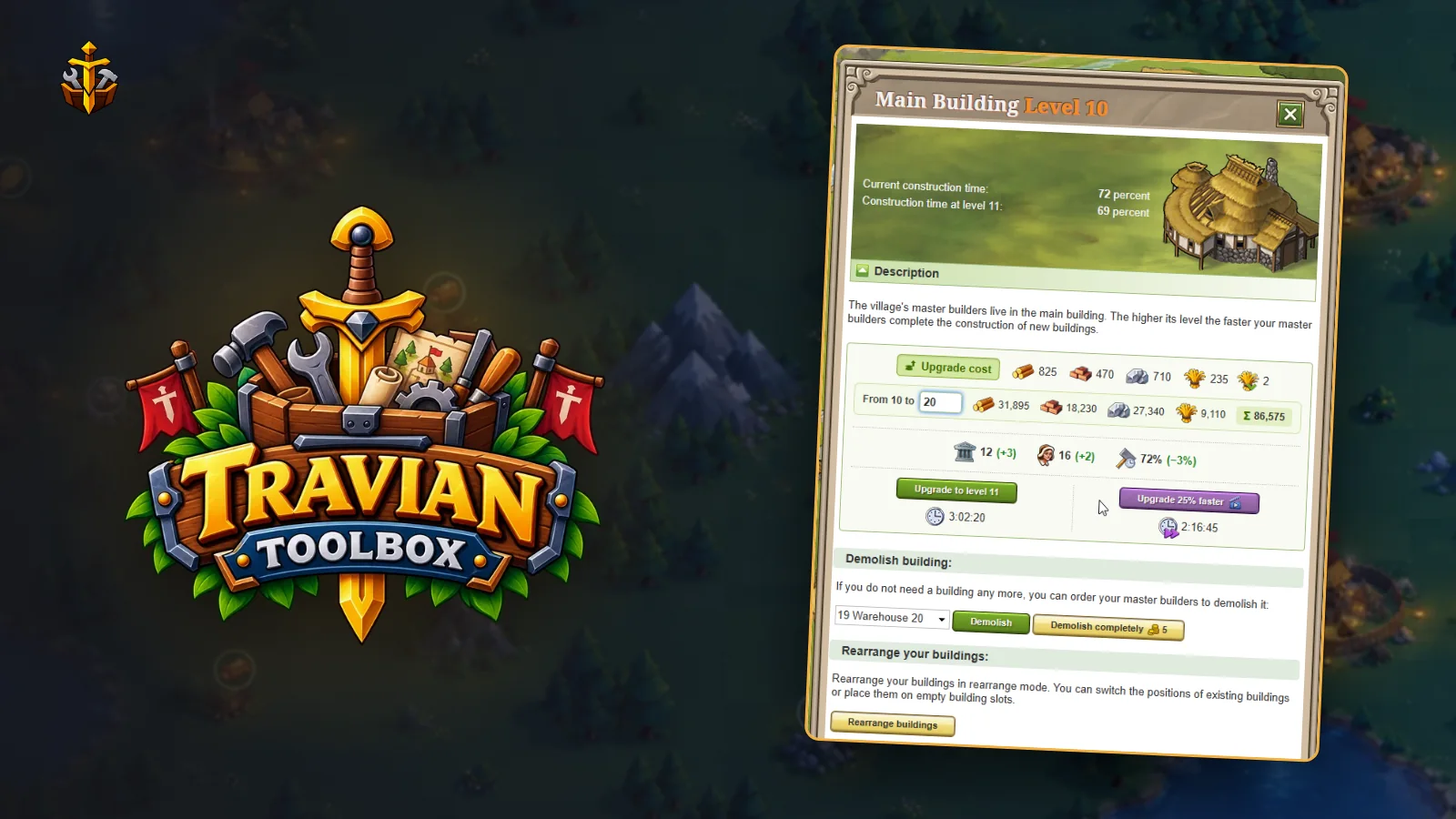
The cost planner in Travian Toolbox adds them up for you, on the building's own page.
 See total upgrade costs to any level0:23
How to use it
- Open any building in your village, for example the Main Building or a Warehouse.
- In the upgrade box, at the start of the row that shows the next level's cost, press Upgrade cost.
- A strip opens under that row. Pick the level you want in From N to.
- The strip shows the wood, clay, iron and crop needed for every upgrade in between, how many upgrades that is, and the Total.
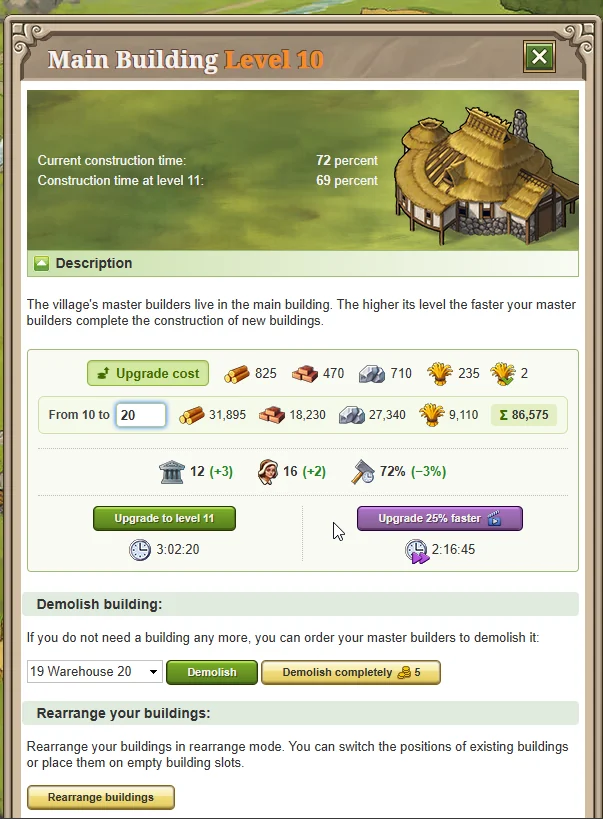
The totals use the game's own resource icons and layout, so they read like the row above them. The list of levels runs from the one the upgrade box is offering up to the building's maximum.
Plan your storage first
A total is most useful before you start. If any single resource in it is more than your Warehouse or Granary holds, you can't save up for the bigger levels in one go, so you need to upgrade storage first. Check the planner before you commit to a long build, and you won't find out halfway through.
It also helps in a new village, where you can see what the Main Building will cost to reach the level you want, and when trading, because you know exactly how much of each resource to ask for.
Where the numbers come from
Each building in Travian has a level 1 cost and a growth factor. Every level costs the level 1 cost multiplied by that factor once for each level above the first, rounded to the nearest 5. The planner uses Travian's own figures for every building, checked against the official knowledgebase and the game's build page.
It covers every building and resource field in Travian Legends, up to each one's maximum level, and reads the level from the page in any game language, including Arabic and Persian digits. At maximum level there is nothing to plan, so the button doesn't appear.
Try it
The cost planner is one of the tools in Travian Toolbox, an extension for Chrome. Install it and start with the free trial. The cost planner docs cover it in more detail.